5v5 soccer
player waivers
Welcome to the New Player Waiver Process
We have updated our player waiver process to make it easier for coaches, managers & parents.
Just follow these simple steps and you'll be all set!
The Coach or manager adds their players to the roster in Exposure (the same system used to register the team for the event)
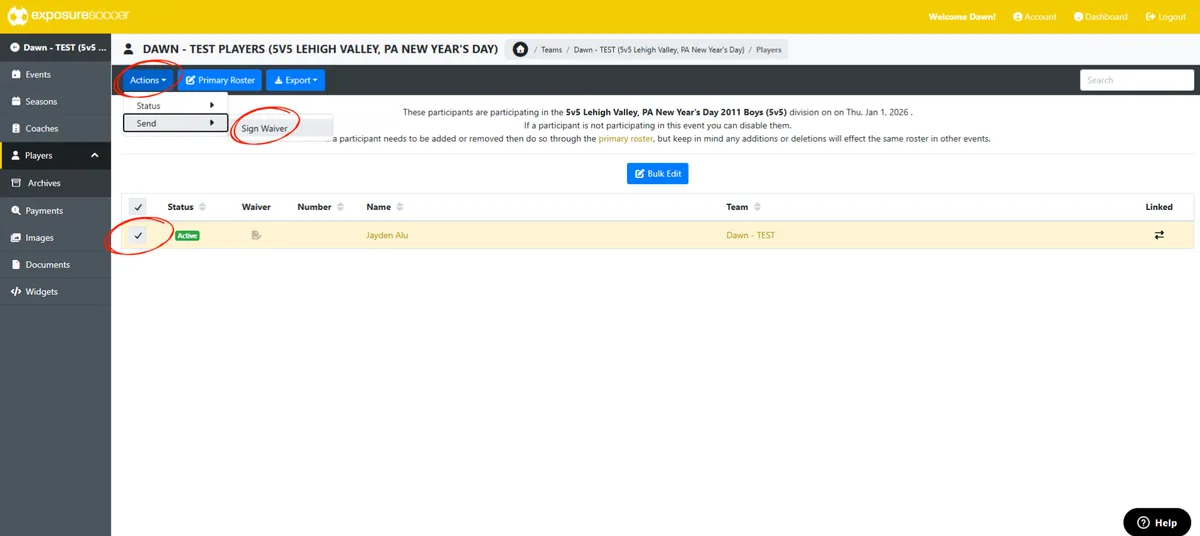
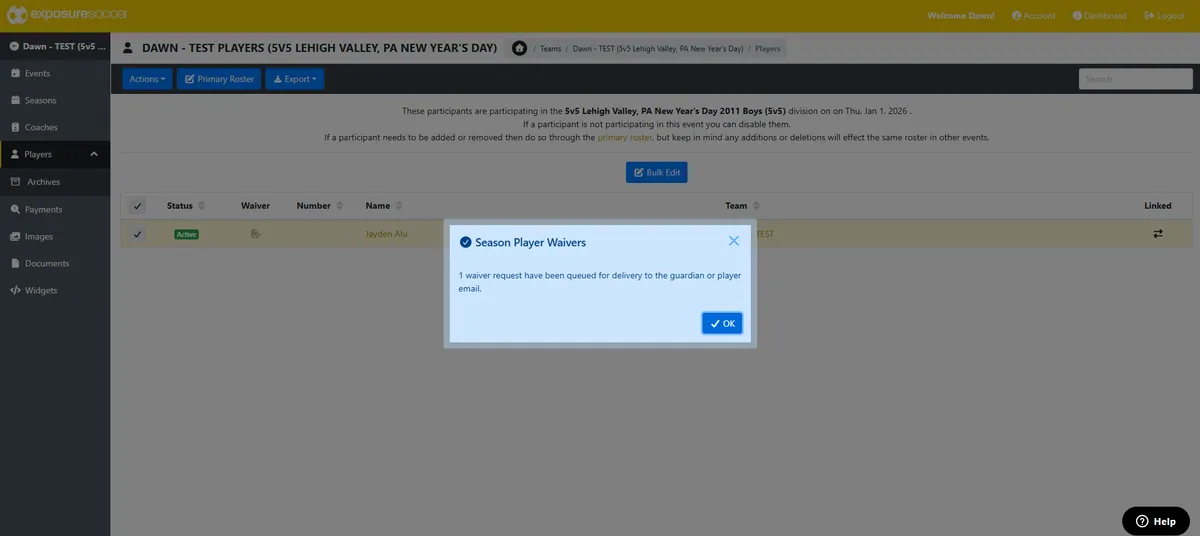
Once the players are added to the roster with a valid email address, coaches & admins will select all players and send a waiver request. A reminder will be automatically sent to the email address listed for anyone who has not completed the waiver within 4 days.
For information on how to add your roster, click HERE.
For more information on how to send the waiver link, please see below.
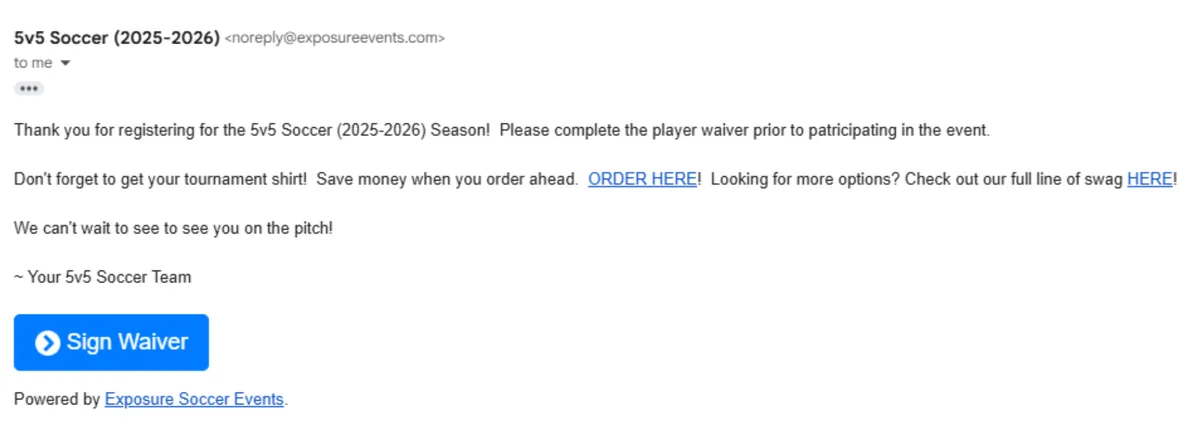
The waiver request is received by the parent or guardian who's email address is listed. The recipient clicks "Sign Waiver" and completes the form online. See below for examples.
DONE!
This new process allows for coaches and managers to track who has completed their waivers and who has not. It also allows them to send a reminder to anyone who has not completed them.
NOTE: The waivers are good for the full season (Dec 1, 2025 - Nov 30, 2026). If a player is playing in multiple events throughout the year, they will only need to complete a waiver for the first event they play in for that given season.
AGE VERIFICATION
All players must have their proof of age on site the day of the event. This can be a birth certificate, passport, player card, student ID, or anything that shows the player's name and date of birth. Both digital and paper copies are acceptable. Please be sure the name and birthdate are clearly legible.
How to Send the Waiver Link to Parents / Guardians
NOTE: The waiver icon will turn black when the waiver is complete.
Sample Waiver Request Email (Received by Parent/Guardian)
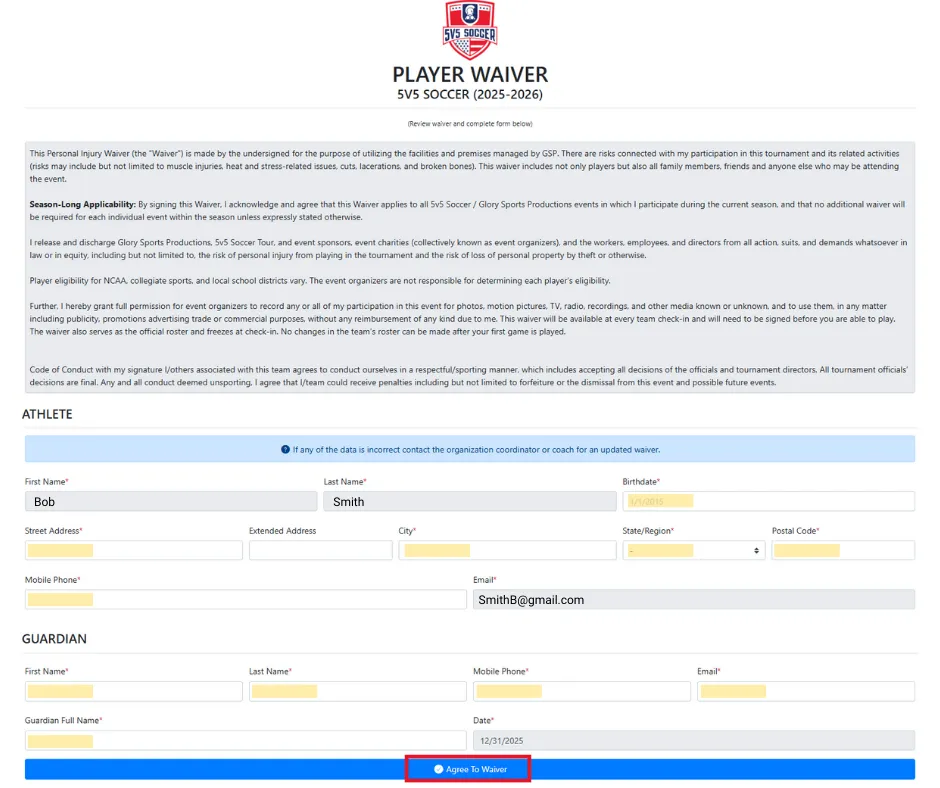
Sample Waiver (To be Completed by Parent/Guardian)
Information in grey will be auto-filled based on what was entered in the roster. Please be sure this information is accurate. All highlighted areas will need to be completed by the parent or guardian before hitting "Agree to Waiver".
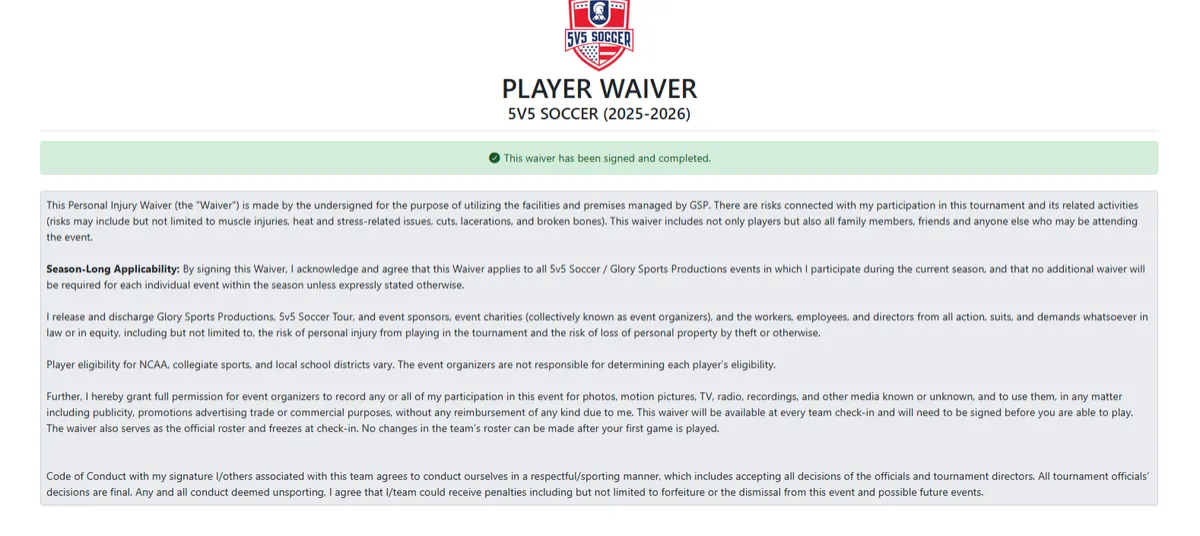
Sample Waiver Confirmation
Please reach out to the contact listed on the event page with any questions.
Thank you in advance for your patience and understanding as we work to improve our systems and processes!


